01REPURPOSE YOUR FOOTAGE
AI Video Clipping
Find promising moments in longer footage, review candidates, then render selected clips in a vertical format with timed captions.
Import→Review→Export
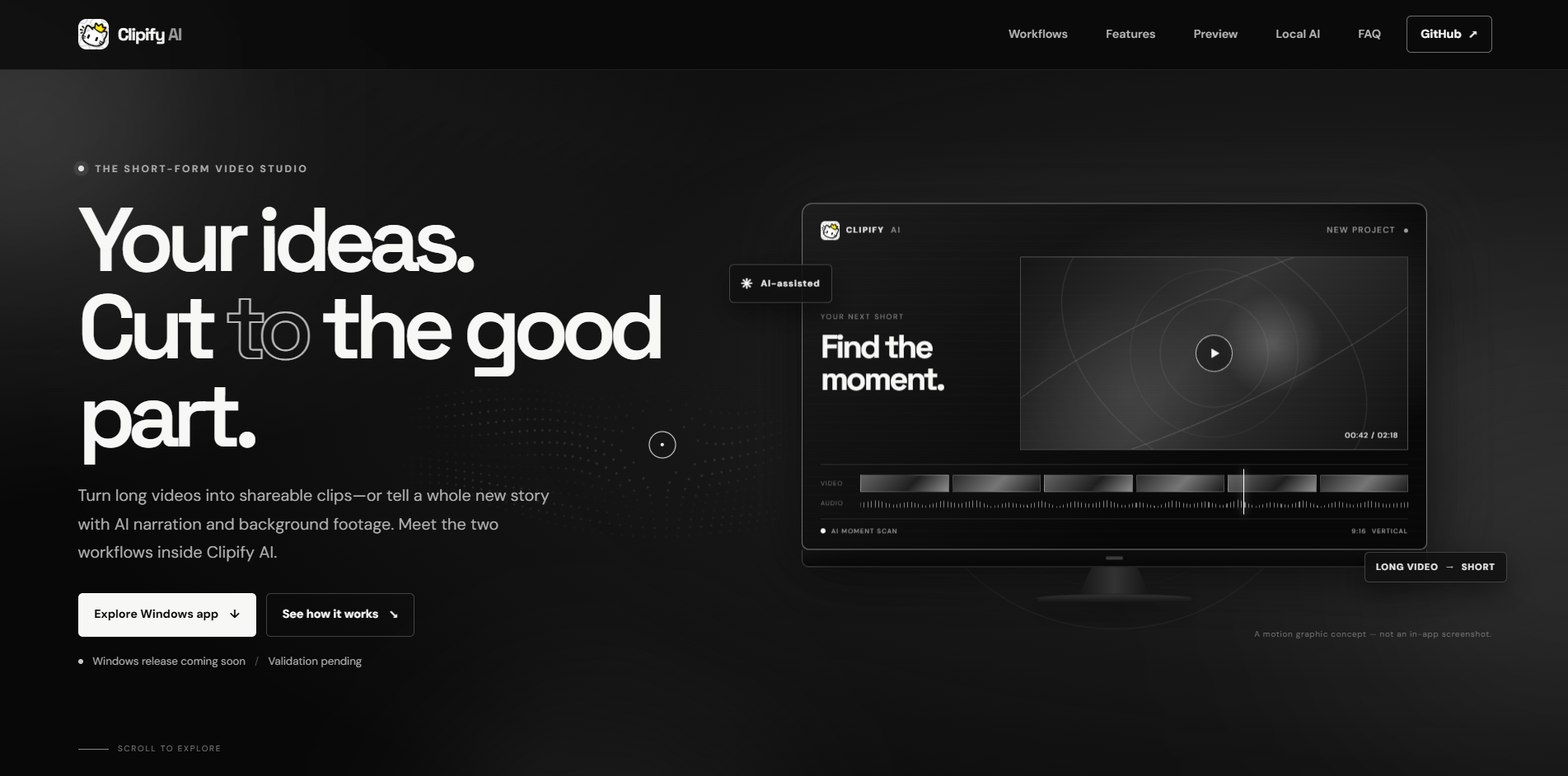
THE SHORT-FORM VIDEO STUDIO
Turn long videos into shareable clips—or tell a whole new story with AI narration and background footage. Meet the two workflows inside Clipify AI.
Windows pre-beta available / Release validation pending
 CLIPIFY AI
A motion graphic concept — not an in-app screenshot.
TWO WAYS IN
Start with a video you already have, or make something new with a voice and a visual.
Find promising moments in longer footage, review candidates, then render selected clips in a vertical format with timed captions.
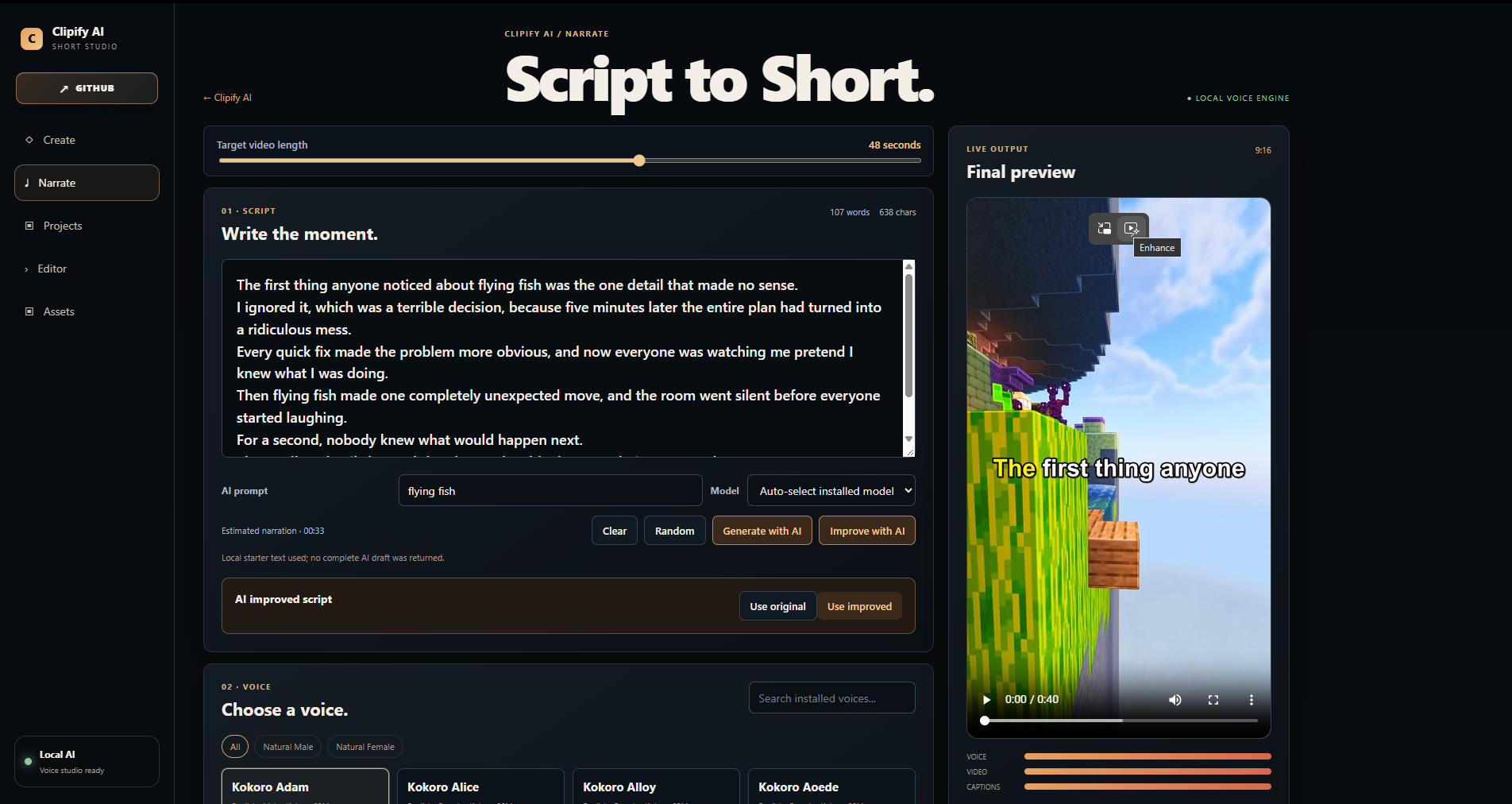
Create a narration script, generate speech with the configured voice runtime, and combine it with background footage and synchronized captions.
THE WHOLE CREATION FLOW
Tools for both workflows, with controls for how each short is selected, styled, and composed.
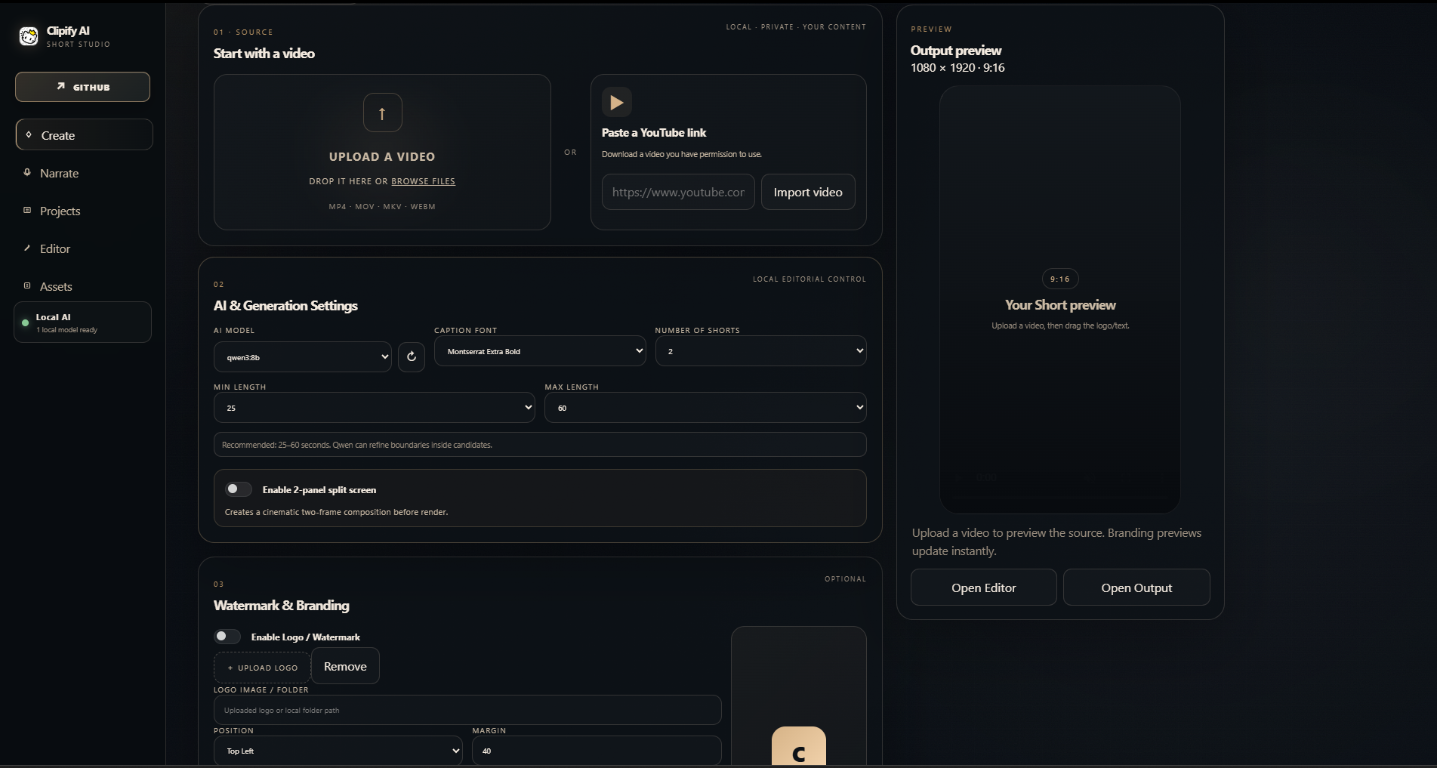
Import common video files including MP4, MOV, MKV, and WebM, or provide a YouTube link. Online imports require connectivity and permission to use the video.
WhisperX transcription and ClipsAI candidate generation help surface potential clips from longer videos.
When configured, Qwen through Ollama reviews candidate moments. Choose how many clips to request and their duration range; a valid “keep” is required before an AI-reviewed candidate can render.
Create 1080 × 1920 vertical videos, with a standard composition or an optional two-panel split-screen layout.
Style timed captions and fonts, then optionally add a logo or watermark with placement and opacity controls, plus a custom text overlay.
Generate or improve a script, choose an available Kokoro voice and speech speed, select custom background footage, and style the synchronized captions.
Preview generated videos and download MP4 output. The clipping workflow can also create locally generated titles, descriptions, hashtags, and tags.
Local inference needs the runtime and models installed. Setup and optional services may use the network; some configured metadata fallbacks may use a third-party service.
A PEEK INSIDE
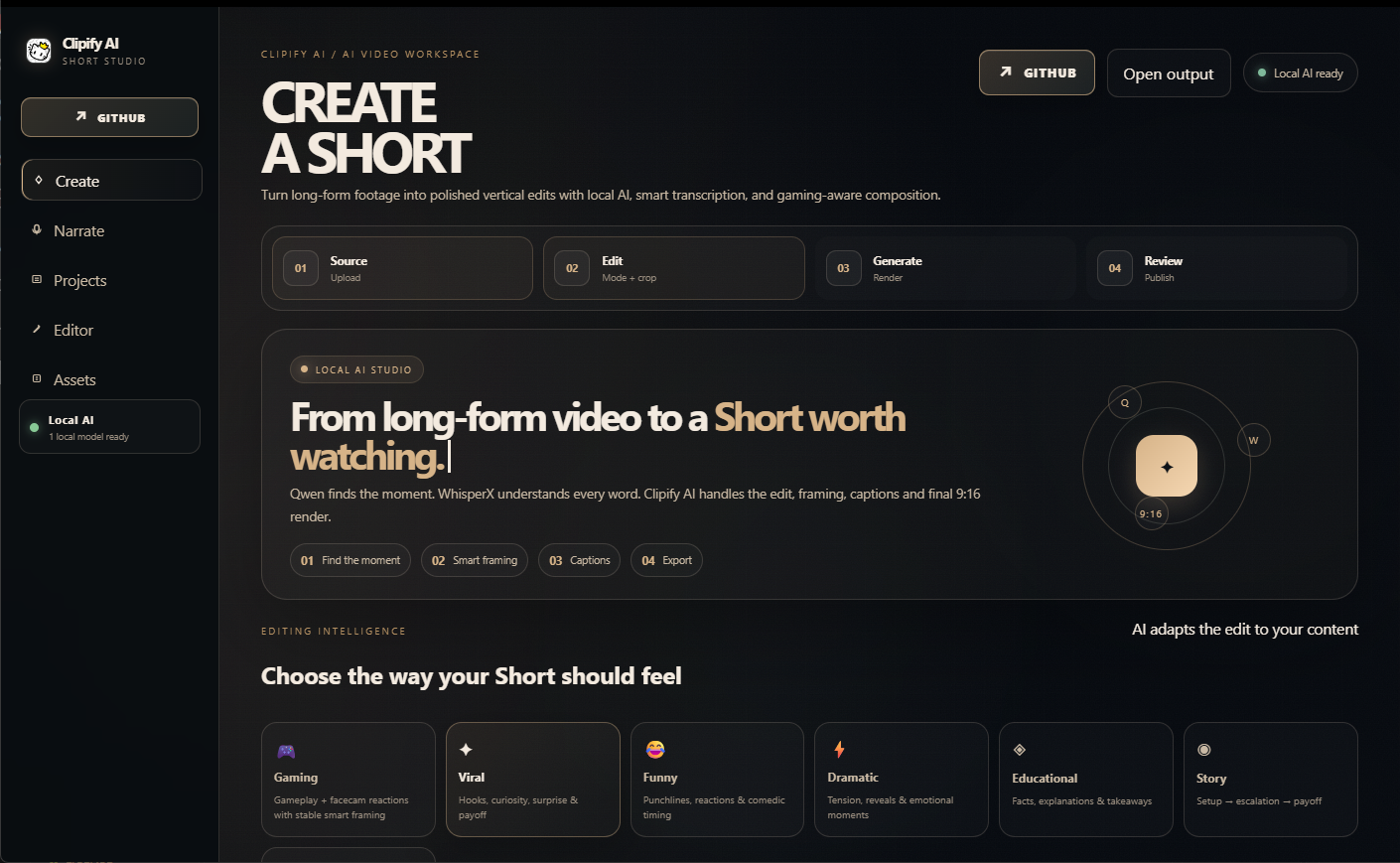
Explore the Clipify AI dashboard, clipping workspace, product website, and narration studio.
AI THAT FITS YOUR SETUP
Run supported AI workflows with local language models after installing and configuring the required runtime and models.
Clipify AI is free. No paid application tier or subscription is required.
Runtime and model availability, storage needs, and licenses depend on the configuration you choose.
Once the app, runtime, and models are installed, local-model workflows can run without an internet connection. Setup and online services may still need one.
BEFORE YOU START
Final Windows versions and minimum hardware requirements will be published with a validated release. We won’t guess at a spec sheet.
The application targets 64-bit Windows. Exact supported versions are pending release validation.
Memory, processing, and storage needs depend on your selected runtime, models, and media.
Network access may be needed to fetch packages, models, or optional online services.
FIND US ON GITHUB
See the creator profile and project activity on GitHub. This product website is being prepared for public release; the full desktop application source is planned for a future GitHub publication.
Visit GitHub profilePlanned public repository: sherlock-dev-ai/Clipify-AI-Official
 sherlock-dev-aiProjects · updates · releasesVIEW GITHUB PROFILE ↗
◉ Clipify AI Windows video creationWEBSITE PUBLICATION IN PROGRESS
REAL GITHUB PROFILE LINK · ILLUSTRATIVE TV CARD ↗
GOOD TO KNOW
More detail is available in the public documentation.
Yes. Download the Windows pre-beta below to try it. It is an early test build and has not completed final desktop release validation, so expect changes and back up important work.
Yes. Clipify AI is completely free to download and use. There is no paid app tier or subscription.
Local AI workflows can run offline once the app, runtime, and models are installed. You’ll need internet to download or update them, and any online service requires a connection.
Not yet. The full application source is planned for a future GitHub publication. This website and its documentation are being prepared for public release now.
CLIPIFY AI FOR WINDOWS
Pre-beta build available · release validation pending
Try the early Windows pre-beta build using the button here. It is provided for testing, has not completed final desktop release validation, and may change before the official release.
https://github.com/sherlock-dev-ai/Clipify-AI-Official/releases/latest
The official release will follow final desktop validation. This pre-beta is an early test build.